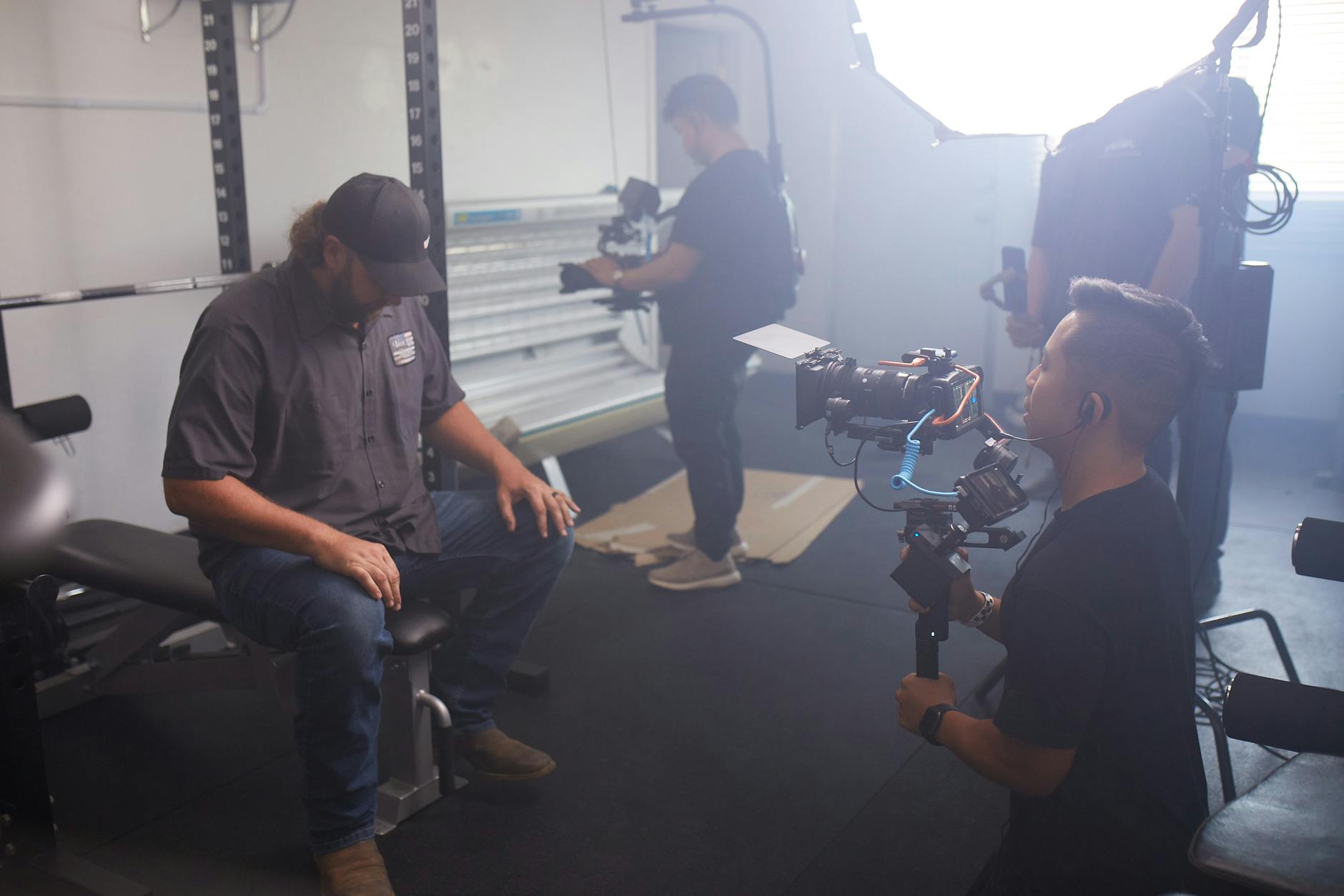
Corporate training video localization is one of the most technically demanding forms of content localization. Unlike a document or website, video has locked-in timing, visual elements that may need to change, audio that requires replacement or addition, and distribution formats that interact with localization in complex ways.
Organizations deploying training video content across multiple language markets need to understand the options, trade-offs, and technical requirements before starting a project. Getting this right saves significant cost and time. Getting it wrong — particularly with a large library of training modules — generates rework that can exceed the original production cost.
The Three Main Approaches
Subtitles Only
Subtitling adds a translated text track to the original video. The original audio is preserved; learners read the subtitles while listening to the source-language narration (or without audio, if the source language is unfamiliar).
When subtitles work well:
- Learners in the target market are comfortable reading subtitles (this varies significantly by country and demographic)
- The original speaker is visible on screen and their presence carries meaning (executive communications, interviews)
- Budget or turnaround constraints make re-recording impractical
- The target audience has some familiarity with the source language
Technical considerations: Subtitle files (SRT, VTT, TTML, or SCC depending on platform) must be timed precisely. A common failure mode is treating subtitling as a pure translation task and delivering text without proper timing, resulting in subtitles that are out of sync with the audio. Line length and line count per subtitle block must be controlled — professional standards allow a maximum of two lines and 42 characters per line for comfortable reading.
For CJK language subtitles (Chinese, Japanese, Korean), full-width character handling changes line length calculations. A Chinese subtitle that looks correct at 42 half-width characters will overflow if it contains a mix of full-width and half-width characters.
Voice Dubbing
Dubbing replaces the original narration with a voice recording in the target language. The translated script is recorded, processed, and synchronized with the video.
AI dubbing uses neural text-to-speech synthesis to produce the replacement audio. Turnaround is fast (24–72 hours typically), cost is low ($1–2 per finished minute), and quality for corporate instructional content is generally adequate. AI dubbing is the right choice for most internal training video content.
Human dubbing uses professional voice actors recorded in a studio. Quality is higher, particularly for emotional range and cultural authenticity. Cost is significantly higher ($20–50 per finished minute) and turnaround is longer (3–7 business days). For customer-facing content, brand videos, and executive communications, human dubbing is worth the premium.
Technical considerations for dubbing: Translated scripts are generally longer or shorter than the source (English to Chinese contracts; Chinese to English expands). Time-matching the dubbed narration to the original video timing is an ongoing challenge. Options include: editing the source video for timing, adjusting the voice recording pace, or accepting slight timing mismatches in content where they are not visible (off-screen narration is most forgiving; on-screen narrator with visible mouth requires tighter sync).
On-Screen Text Replacement
Many corporate training videos contain text elements: lower-thirds, title cards, procedural step labels, diagram annotations, and button labels in software walkthroughs. These text elements are baked into the video and require frame-level editing to replace.
On-screen text replacement typically requires:
- Source files from the original video production (After Effects projects, Premiere XML exports) — if these are not available, the elements must be recreated from scratch
- Font matching or substitution (the target language may need a different font)
- Layout adjustment for text expansion/contraction
- Re-rendering the affected segments
This step is often underestimated or missed entirely in project scoping. A training video that “just needs to be dubbed” frequently contains 20–40 on-screen text elements that will look wrong in the dubbed version if not replaced.
Quality Assurance for Video Localization
Linguistic Quality Assurance (LQA)
LQA for video is reviewing the localized video as a viewer would watch it — not reviewing a text file. Errors that are invisible in a script become obvious in context: a subtitle that appears one second too late, a dubbing track that sounds natural but is mistimed, a replaced lower-third that uses the wrong font weight.
Professional LQA for training video localization involves a native-speaker reviewer watching the localized video in full while checking against a reference document. For high-stakes content (safety training, regulatory compliance modules), a second independent review pass is standard practice.
Technical QC
Beyond linguistic review, video localization files require technical quality control:
- Audio levels normalized and consistent with source
- No audio artifacts at edit points
- Subtitle files verified against the video player (not all subtitle renderers handle all formats consistently)
- Output format and codec verified against the distribution platform specification
A common failure is delivering high-quality localization files that are technically incompatible with the LMS or content distribution system — particularly when the LMS is proprietary or the client’s IT team has specified output requirements that the localization vendor was not informed of.
SCORM and LMS Compatibility
For e-learning platforms using SCORM packages, localized video must be integrated into the package correctly. This involves more than replacing a video file — it may require updating the manifest, adjusting tracking calls if they are keyed to language-specific labels, and testing in the target LMS environment.
Platform testing should be included in the project scope whenever video is embedded in LMS-distributed content rather than streamed as standalone files.
Project Scoping Checklist
Before starting a video localization project, clarify:
- How many on-screen text elements exist and whether source production files are available
- What the target delivery format and platform are
- Whether LMS integration is required
- The acceptable timing tolerance for dubbed content
- Whether the project requires LQA with a native speaker or QC against a brief
- Whether the original speaker is on-screen (relevant for dubbing lip-sync requirements)
Getting these answers before the project begins eliminates the most common and expensive surprises in corporate training video localization.